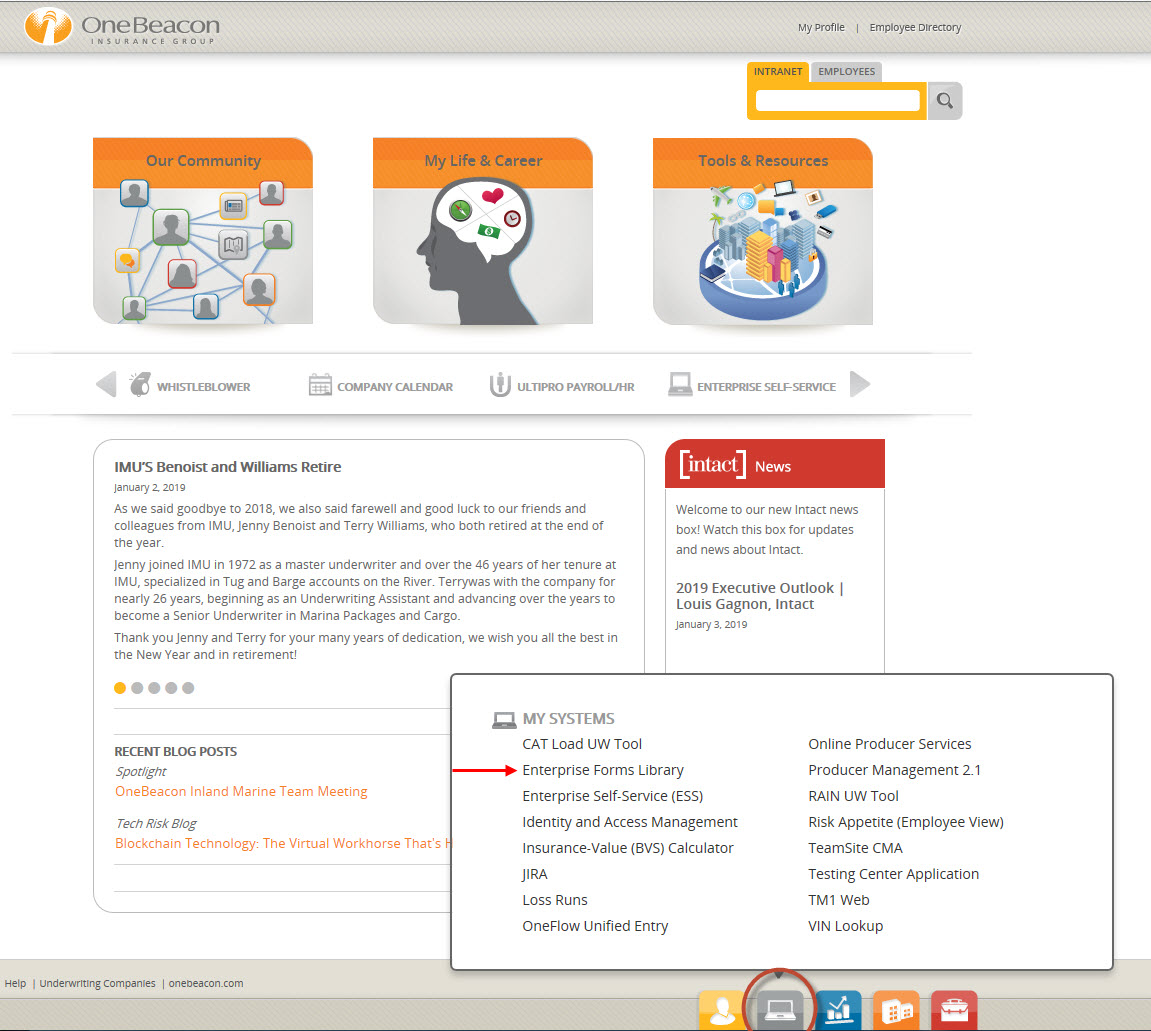
A few weeks ago, we announced the new Enterprise Forms Library was now available. This internal library currently supports all forms generated from the @vantage system. As a reminder, this new Forms Library replaces Policy Forms Viewing application, which will be disabled on Monday, January 7. You can access the new library through Enterprise Underwriting SharePoint Quick Links and the My Systems link on the Intranet home page.

If you haven’t had a chance to take a look through the library, here are some examples of how the library is being used, and some of the benefits users have already experienced:
- An underwriting assistant (UA) used the new library to search for and quickly find the correct forms for a state in which business hadn’t been written in quite some time.
- A request came in to add a form to an existing policy. The UA tried to locate the form in several locations before searching the Forms Library. After conducting a quick search, the UA discovered that the requested form was not approved for that particular state.
- Searchable PDFs have proven to be very helpful for underwriters. Users can jump right to a particular word or section to find what they need quickly.
- New frames or windows open up upon clicking on search results. This saves a lot of time because users can quickly get back to search results, rather than have conduct the search again.
- Clicking on the title of the form opens a new frame with additional detail like the availability in a particular state, the filing status, effective dates and more.
- The new library is much more user-friendly and intuitive, and the search functionality is much faster. It’s easy to conduct a search, and the advanced search is appreciated as it allows an underwriter to customize and narrow the search. Overall, users are seeing a time savings.
This project began in the first half of 2106, and needed the support of many teams across the entire organization for it to come to fruition. We are excited this tool is now available, and that users are seeing benefits! If you haven’t checked out the new library, the User Guide can help you navigate through the tool.